
In the heyday of digital entertainment, we are sometimes overwhelmed with choices, but the very platforms we pay for every month usually fall short of our expectations. The majority of consumers are only now starting to fully utilize their subscriptions, although streaming has made it simpler than ever to watch movies from around the globe.
Digital media experts estimate that the average user only utilizes about 30% of the features provided by well-known platforms like Netflix, Max, or Disney+. This suggests that you are most likely missing out on significant monthly savings, access to hidden content libraries, and better video quality. According to tech journalists and professional streamers, the transition from “casual spectator” to “power user” requires a shift in how you interact with your hardware and software settings.
Pressing the play button is not as crucial as optimizing the pipeline from the server to your screen. Experts claim that with a few well-considered adjustments, you can eliminate buffering, unlock global titles, and transform your living room into a luxurious private watching area. This post looks at eight important suggestions that will significantly change the way you view movies at home.
1. Mastering the Secret Category Codes
The algorithm-driven interface that frequently plays the same fifty movies is one of the most annoying features of contemporary streaming. But in reality, there are thousands more “secret” subgenres on websites like Netflix that aren’t accessible from the main screen. Digital archivists claim that specialty categories like “Gritty Noir” or “Scandinavian Thrillers” can be accessed by entering particular number codes in the search bar or URL. According to experts, this is the most effective method for getting around the algorithm and discovering the “hidden gems” that are typically hidden.
Simply add the code to the end of the platform’s normal search URL in a web browser to use these. For instance, the code “6839” opens up comic book and superhero films, whereas “10118” leads straight to Westerns. According to industry insiders, these codes are the back entrance to the entire database, which enables you to search by extremely particular styles or moods. These hidden passwords are your pass to a far more varied and well-chosen cinematic universe if you’re sick of the “Top 10” list.
2. Calibrating for True 4K and HDR

Despite paying for premium “Ultra HD” plans, many customers are unknowingly viewing compressed, lower-quality copies of their favorite movies. Your streaming device frequently falls back to “Auto” quality by default, which might change depending on slight network outages and permanently reduce your resolution, according to audiovisual contractors. To impose the “High” data usage setting, experts suggest manually entering your account settings, usually using a web browser rather than the TV app. This guarantees that you are truly receiving the 4K and HDR quality for which you have paid.
Additionally, home theater professionals advise making sure your physical connections can handle high-bandwidth transmissions. Hardware experts claim that even with fast internet, utilizing an outdated HDMI cable can impede your 4K broadcast and produce a hazy image. Make sure your cables are plugged into ports that support HDCP 2.2 or above, and check for “Ultra High Speed” labels on them. You can make sure that your display completely captures the vivid colors and crisp details of contemporary filmmaking by following these simple technical measures.
3. Rotating Subscriptions to Save Big
With the cost of sustaining all major platforms frequently surpassing the cost of traditional cable, the “subscription weariness” of 2026 is real. Expert financial planners advise using a technique known as “subscription rotating” to reduce expenses while still achieving your goals. Experts suggest subscribing to one or two services at a time, binge-watching the latest releases, and then switching, as opposed to paying for five services all year long.
By doing this, the typical household may save hundreds of dollars annually without giving up one movie night. Consumer activists claim that the majority of sites make it quite simple to “pause” or cancel your service and then resume it with all of your watchlists still intact.
The most astute viewers schedule their rotations around significant release dates, such as “Horror Month” on Shudder in October or a “Blockbuster Summer” on Max, according to industry insiders. With this meticulous approach, streaming is transformed from a recurring charge for stuff you aren’t even watching to a carefully chosen event. In a market that is becoming more and more fragmented, it is the most intelligent method of managing a digital library.
4. Using a VPN to Unlock Global Libraries
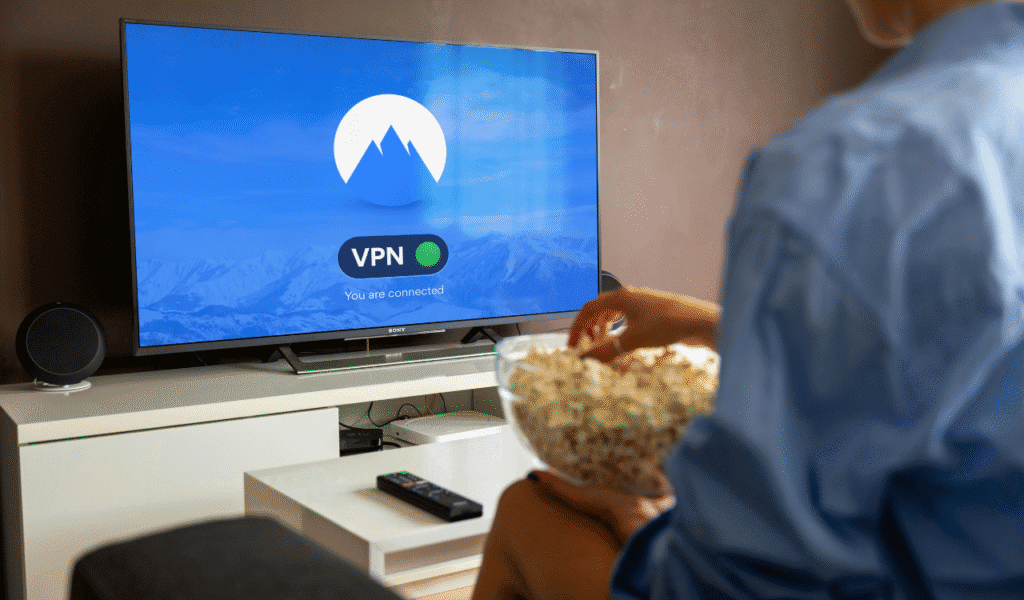
A country’s movie library may differ greatly from the one next door due to intricate licensing agreements. You may practically “relocate” your gadget to a different nation by utilizing a Virtual Private Network (VPN), according to tech-savvy moviegoers and digital privacy experts. By doing this, you can successfully unlock hundreds of geoblocked games in your area.
According to experts, a movie that is accessible on Netflix in the UK can be blocked by a separate, more costly paywall in the US. A VPN is a necessary tool for anyone who enjoys movies worldwide. Experts advise searching for VPNs with “dedicated streaming servers” in order to evade detection and blocking by the platforms.
Tech critics claim that this hack is especially helpful for foreign film enthusiasts who wish to watch the newest French dramas or Japanese anime before they are localized. You can access a genuinely worldwide collection of film history by extending your digital boundaries. Regardless of where you now reside, it turns your one membership into a global pass to practically every film ever produced.
5. Improving Audio Clarity with “Night Mode.”
When watching movies at home, one of the most frequent complaints is the “loud explosion, quiet talk” phenomenon, which has you reaching for the remote. “Night Mode” or “Reduce Loud Sounds” is a hidden setting found in the majority of streaming apps that levels the playing field, according to sound professionals. Its “dynamic range compression” characteristic, according to experts, brings the loudest crashes and the lightest whispers closer together in volume.
For people who have sleeping children nearby or who live in apartments, it is a lifesaver. Audiovisual experts say that making sure your “Center Channel” is set to the highest priority in your soundbar or speaker settings can also help you see more clearly. Since the majority of conversations are transmitted through the center, industry experts suggest that raising that particular level by just two or three decibels can have a significant impact.
Switching the TV’s audio preset from “Standard” to “Movie” or “Clear Voice” without a sound system can frequently clear up the muddiness. You won’t ever again miss an important line of dialogue during a tight, whispered situation thanks to these minor adjustments.
6. Eliminating Buffering with Ethernet
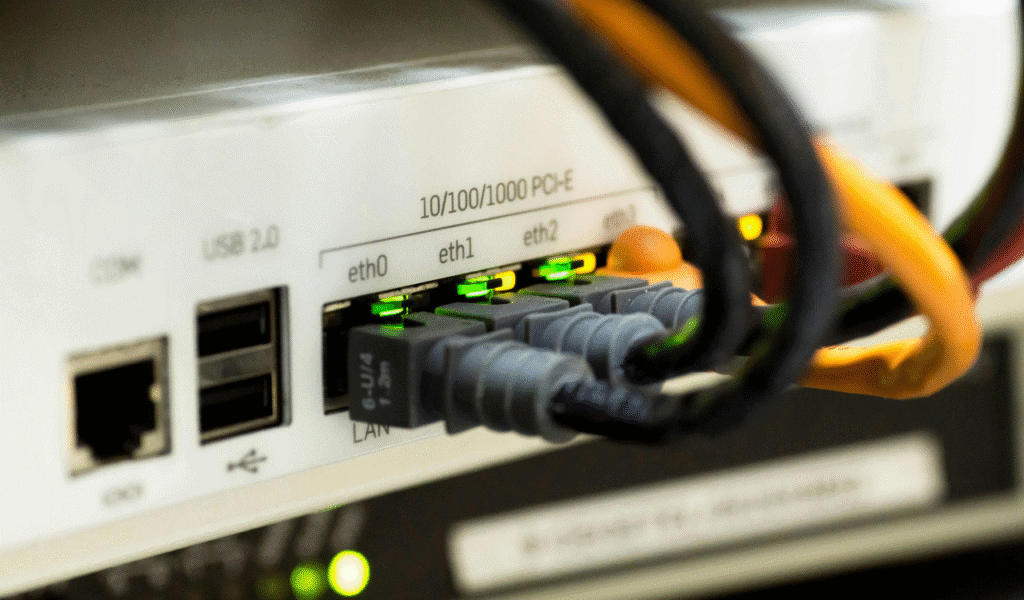
Even though Wi-Fi has greatly improved, thick walls and other household appliances might still interfere with it. According to networking experts, the best option for high-bitrate 4K streaming is still a physical Ethernet cable. IT experts claim that an Ethernet connection eliminates the dreaded buffering wheel during a movie’s finale by offering a “steady stream” of data that doesn’t fluctuate. The simplest way to improve performance is to hook your TV straight into your router if it is close by.
Experts advise using “Powerline Adapters” to transport your internet signal through your home’s electrical wiring if you are unable to extend a long cable across the house. For high-bandwidth operations like streaming, home tech flippers say this is a far more dependable option than a typical Wi-Fi extender. You enable the program to maintain the maximum resolution without reverting to standard definition by guaranteeing a constant flow of data. The unsung hero of a genuinely expert and superior home movie theater experience is a steady connection.
7. Using Browser Extensions for Extra Features
You have access to a vast array of robust browser extensions if you use a laptop to watch movies or link a PC to a TV. According to tech experts, software such as “IMDb Ratings for Netflix” can help you steer clear of “crap” titles by superimposing real critic ratings straight onto the streaming interface. Furthermore, “Video Speed Controller” and other plugins let you slow down fast-paced action scenes or skip through slow-paced parts. According to experts, these third-party technologies cover the holes left by the big streaming services’ refusal to do so.
“Teleparty,” which lets you synchronize movie playback with friends in other places and includes a side-chat feature, is another popular option among moviegoers. This has become the norm for “virtual movie nights” in 2026, according to social media consultants, enabling a shared experience even when great distances separate people. These add-ons provide you with a degree of control and personalization that is simply unmatched by smart TV apps. They transform watching into an interactive, data-rich experience that is tailored to your individual preferences and requirements.
8. Managing “Data Dribble” and Auto-Play

When the TV is turned off, many consumers are not aware that their streaming gadgets frequently “stream” data, a phenomenon known by professionals as “Data Dribble.” ISP techs say this can result in substantial slowdowns for other devices in the home or early hitting of data caps. Before shutting down, experts recommend that you always “exit” the app or return to the home screen. This little routine guarantees that your network stays quick and that your data usage stays under your monthly allotment.
Additionally, according to industry insiders, you should disable “Auto-Play Next Episode” in your profile settings. Despite being made for binge-watching, it frequently results in series or movies playing for hours while you’re asleep or elsewhere. Disabling this option, according to productivity experts, allows you to have more control over your watching habits and keeps items you didn’t actually see from skewing the algorithm. You may make sure that your streaming service is working for you rather than the other way around by controlling how the app launches and terminates.